Code Submit Platform: A Full-Stack Solution for Seamless Code Submission
🚀 Cloud | DevOps | Scripting Enthusiast Hi, I’m Kamlesh Parihar — a passionate DevOps learner and tech blogger who thrives on solving problems with automation, cloud-native tools, and clean code. I write about AWS, CI/CD, Docker, Kubernetes, Python scripting, and anything that simplifies development and operations. 🧠 Sharing insights, tutorials, and real-world project experiences to help others grow in their DevOps journey. 📚 Lifelong learner. Open-source supporter. Tech community advocate. ✍️ Follow along as I break down complex DevOps concepts into simple, actionable posts.
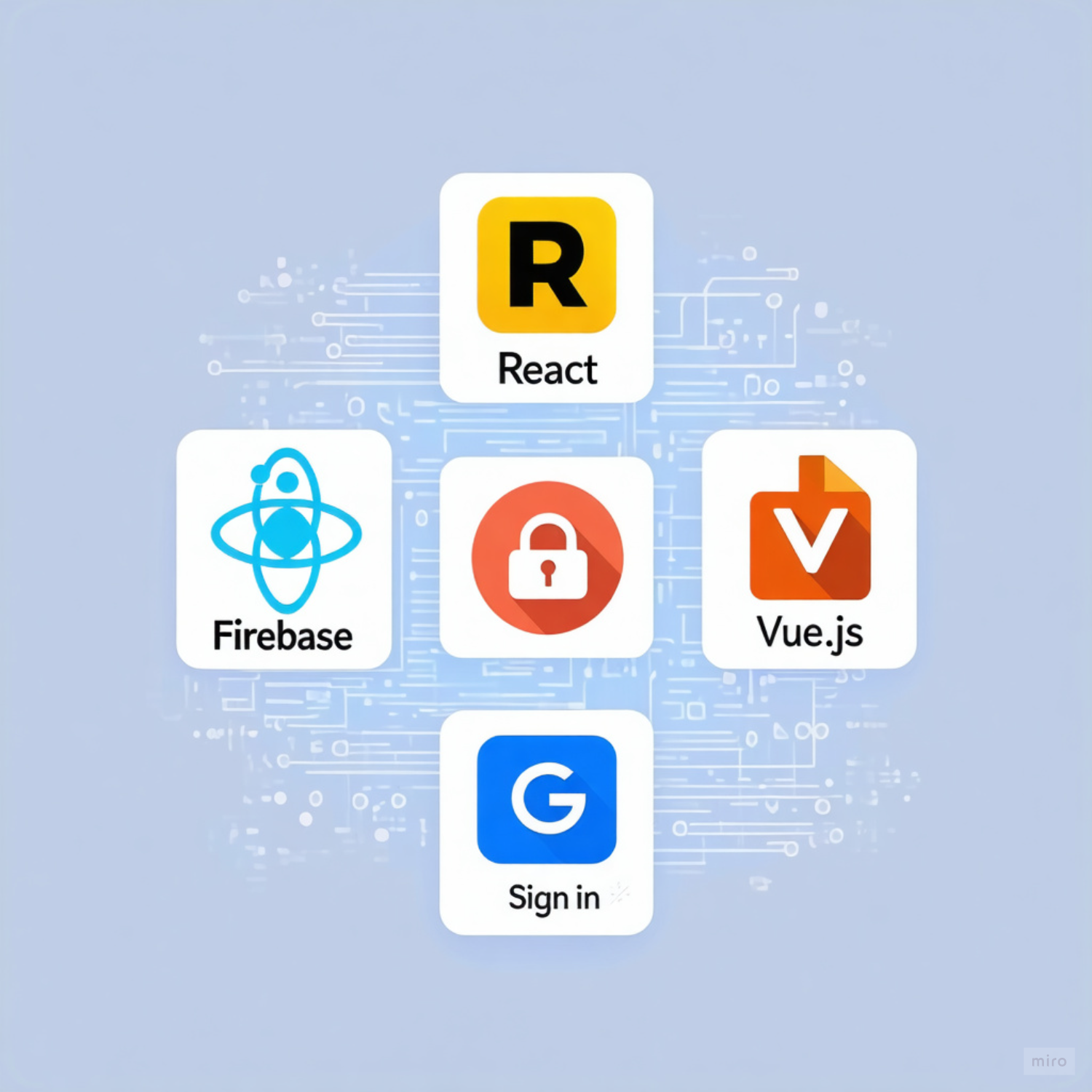
Managing code submissions efficiently is essential for students, developers, and educators. To address this need, I built the Code Submit Platform, a full-stack Vue 3 + Nuxt 3 + Firebase application designed for programming challenge submissions. This platform combines real-time code execution, multi-language support, admin management, and a modern UI to create a seamless experience for both users and administrators.
In this blog, I’ll cover the project structure, tasks, features, tech stack, setup, and usage.


📌 Project Overview
The Code Submit Platform allows users to:
Sign in securely via Google Authentication
Submit code in multiple languages (Python, C++, Java, JavaScript)
Test code in real-time against multiple test cases
Track submission history with pass/fail feedback
For admins: manage users, monitor submissions, and view platform statistics
The platform emphasizes security, responsive design, and real-time updates, making it ideal for coding competitions, online classrooms, or personal practice projects.
✨ Key Features
🔐 Authentication System
Google Sign-In via Firebase Auth
Role-Based Access Control (Users vs Admins)
Persistent login with real-time auth state updates
🖥 Enhanced Programming Challenge System
Multi-language code editor with syntax highlighting
Pre-built code templates for each language
Real-time test case validation with visual pass/fail indicators
Live updates for submitted code and test results
🎨 Modern UI/UX
Dark/Light mode with smooth animated transitions
Glassmorphism effects for a modern design
Responsive mobile-first interface using Tailwind CSS
Custom animations and interactive components
🛡 Admin Dashboard
Real-time statistics: total submissions, active users, daily activity
Submission management with search and filtering
User management: dynamically add/remove admin privileges
Admin-only access to platform tools
🔒 Security & Privacy
User isolation: users see only their own submissions
Middleware and Firebase Security Rules for protected routes
Secure admin access and role-based verification
🏗 Project Structure
code-submit-platform/
├── 📦 assets/
│ └── css/
│ ├── main.css # Global styles and base imports
│ └── tailwind.css # Custom animations and Tailwind styles
├── 🧩 components/
│ ├── AdminManagement.vue # Admin user management interface
│ ├── AppHeader.vue # Universal header with profile dropdown
│ ├── AppNavigation.vue # Navigation component
│ ├── CodeEditor.vue # CodeMirror-based code editor
│ └── LoginForm.vue # Authentication form component
├── 🔄 composables/
│ ├── useStore.ts # Store utilities and helpers
│ └── useTheme.js # Theme management composable
├── 🏗️ layouts/
│ └── default.vue # Main app layout with navigation
├── 🛡️ middleware/
│ ├── admin.ts # Admin route protection
│ ├── auth.js # Authentication middleware
│ ├── auth.ts # TypeScript auth middleware
│ └── guest.ts # Guest-only route protection
├── 📄 pages/
│ ├── admin/
│ │ └── index.vue # Admin dashboard
│ ├── challenge.vue # Multi-language coding interface
│ ├── index.vue # Landing page with authentication
│ └── login.vue # Login page
├── 🔌 plugins/
│ └── firebase.client.js # Firebase configuration and initialization
├── 🗄️ stores/
│ ├── admin.ts # Admin management store
│ ├── auth.ts # Authentication and user management
│ └── submissions.ts # Submission handling and statistics
├── 🌐 public/
│ ├── favicon.ico # Site favicon
│ └── robots.txt # SEO robots configuration
├── ⚙️ Configuration Files
│ ├── .env # Environment variables (not in git)
│ ├── .firebaserc # Firebase project configuration
│ ├── .gitignore # Git ignore rules
│ ├── app.vue # Root Vue component
│ ├── firebase.json # Firebase hosting/functions config
│ ├── firestore.rules # Firebase security rules
│ ├── nuxt.config.ts # Nuxt configuration with Tailwind
│ ├── package.json # Dependencies and scripts
│ ├── package-lock.json # Locked dependency versions
│ └── tsconfig.json # TypeScript configuration
└── 📚 README.md # This comprehensive guide
🛠 Tech Stack
Frontend:
Vue 3 + Composition API
Nuxt 3 for full-stack SSR capabilities
TypeScript for type-safe development
Tailwind CSS for responsive and modern styling
Backend & Database:
Firebase Firestore: real-time NoSQL database
Firebase Auth: Google OAuth for authentication
Firebase Security Rules: role-based access control
State Management:
Pinia stores with TypeScript support
Composables for reusable logic
Development Tools:
ESLint for code consistency
Hot Module Replacement for fast development
Environment variables for secure configuration
📝 Tasks Implemented
- Authentication
Google OAuth sign-in
Persistent login with real-time state tracking
Admin and user role management
Code Submission & Testing
Multi-language code editor using CodeMirror
Live test cases and feedback system
Submission storage in Firestore with timestamps
Admin Dashboard
View and filter user submissions
Manage admin privileges
Real-time platform statistics
UI/UX Enhancements
Dark/Light mode toggle
Glassmorphism and custom animations
Responsive layout for desktop and mobile
Security & Privacy
User-only data access
Middleware route protection
Firebase Security Rules enforcement
🎯 Setup & Deployment
Prerequisites:
Node.js 18+ and npm/yarn
Firebase Project with Firestore and Authentication
Google OAuth credentials
Installation:
git clone https://github.com/pariharkamal9829/code-submit-platform.git
cd code-submit-platform
npm install
Firebase Configuration:
Create a .env file with your Firebase keys:
NUXT_PUBLIC_FIREBASE_API_KEY=your_api_key_here
NUXT_PUBLIC_FIREBASE_AUTH_DOMAIN=your_project.firebaseapp.com
NUXT_PUBLIC_FIREBASE_PROJECT_ID=your_project_id
NUXT_PUBLIC_FIREBASE_STORAGE_BUCKET=your_project.appspot.com
NUXT_PUBLIC_FIREBASE_MESSAGING_SENDER_ID=your_sender_id
NUXT_PUBLIC_FIREBASE_APP_ID=your_app_id
NUXT_PUBLIC_FIREBASE_MEASUREMENT_ID=your_measurement_id
Firebase Setup
Enable Authentication:
Go to Firebase Console → Authentication → Sign-in method
Enable Google Sign-in provider
Add your domain to Authorized domains
Setup Firestore:
Create Firestore database in production mode
Deploy the security rules from
firestore-rules.txt
Deploy Security Rules:
# Install Firebase CLI
npm install -g firebase-tools
# Login and initialize
firebase login
firebase init firestore
# Deploy rules
firebase deploy --only firestore:rules
Development:
npm run dev       # Start dev server
npm run build     # Build for production
npm run preview   # Preview production build
Deployment Options: Netlify (recommended), Vercel, Firebase Hosting
👨💻 Usage Guide
For Regular Users:
🔐 Sign In: Use Google account to authenticate securely
📝 Choose Language: Select from Python, C++, Java, or JavaScript
💻 Write Code: Use the professional code editor with syntax highlighting
🧪 Test Code: Run test cases to validate your solution
📤 Submit: Submit your solution and see real-time feedback
📊 Track Progress: View your personal submission history and test results
For Administrators:
🔧 Dashboard Access: Navigate to
/admin(protected route)📈 View Statistics: Monitor platform usage and user engagement
👥 Review Submissions: Browse all user submissions with advanced search
⚙️ Manage Admins: Add/remove administrator privileges
📋 Export Data: Analyze submission patterns and user behavior
🔮 Future Enhancements
Support multiple challenges per user
Automated testing with unit tests
Leaderboards and performance tracking
Code review and scoring system
Offline PWA capabilities
📄 License & Contribution
This project is MIT licensed. Contributions are welcome:
Fork the repository
Create a feature branch
Commit changes with clear messages
Open a Pull Request
👨💻 Author
Kamlesh Parihar
GitHub: @pariharkamal9829
Project: Code Submit Platform